
Digital Real Estate
How To Claim Properties
Claim your property, verify it, and build its page in minutes.
Sign in or join free
Claims belong to a Mansion Access account, so sign in first. Anyone can create a free account. If you start a claim while signed out, the map sends you to sign in and brings you straight back.
Open the map in Digital Real Estate mode
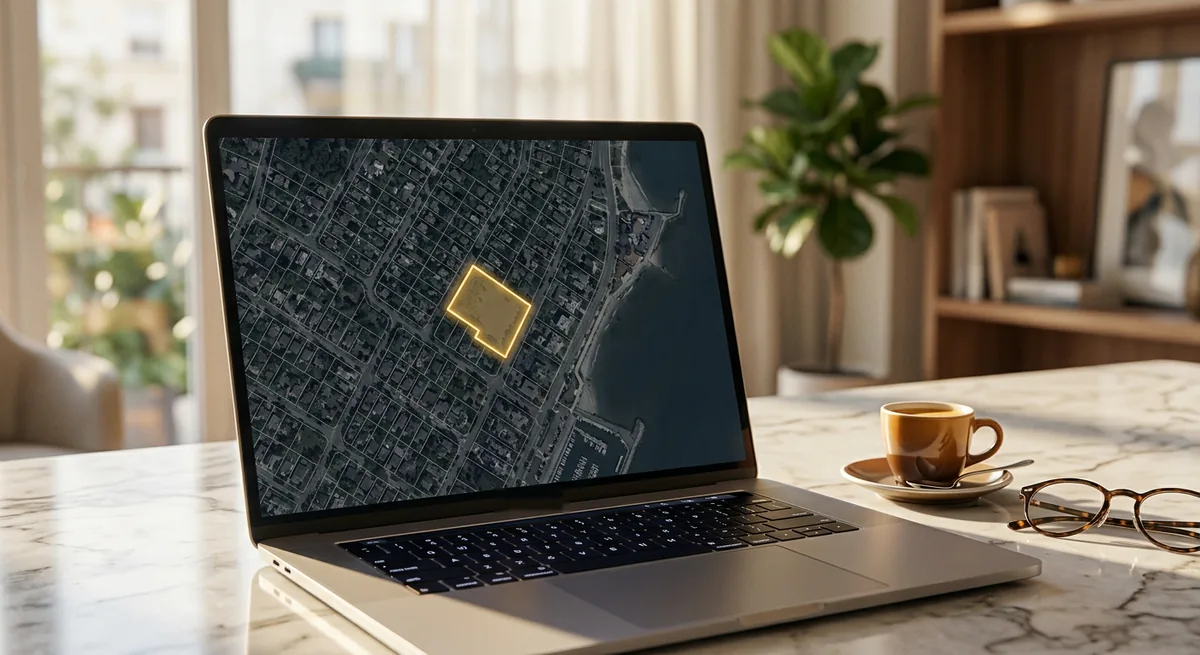
Go to the parcel map. Parcels are available in Florida and 27 more states plus Washington, DC. Zoom in close and every property line appears; parcels members have already claimed are filled in their category colour with a yellow border.
Use Member parcels to see everyone's claims in view, or My parcels to see yours.
Search an address or tap the land
Type a street address (or a parcel ID) in the map search, or simply tap the property on the map. Its parcel card opens with the public parcel record: address, land use and parcel facts. Owner-of-record names from the tax roll are never shown.
Claim it. It's instant.
Press Claim This Parcel. There is no waiting for approval: the claim is verified on the spot and the button changes to This Parcel Is Yours.
- No street address on file? Some state layers don't include one. Use Open in Google Maps to find it, type it in and press Claim with this address. We check it with the US Census geocoder: it must be in the same state and within 300 meters of the parcel.
- Already claimed? The card says This Parcel Belongs to the holder's Promoter ID. Each property has one claim at a time.
- Mapped places count too. Property, business and company pins with a street address can be claimed the same way, and an address you add to the map is claimed for you automatically.
Find it in My Digital Real Estate
Open Digital Real Estate and press My Digital Real Estate to list every claim you hold, with its status and date. Each verified claim links to its property page.
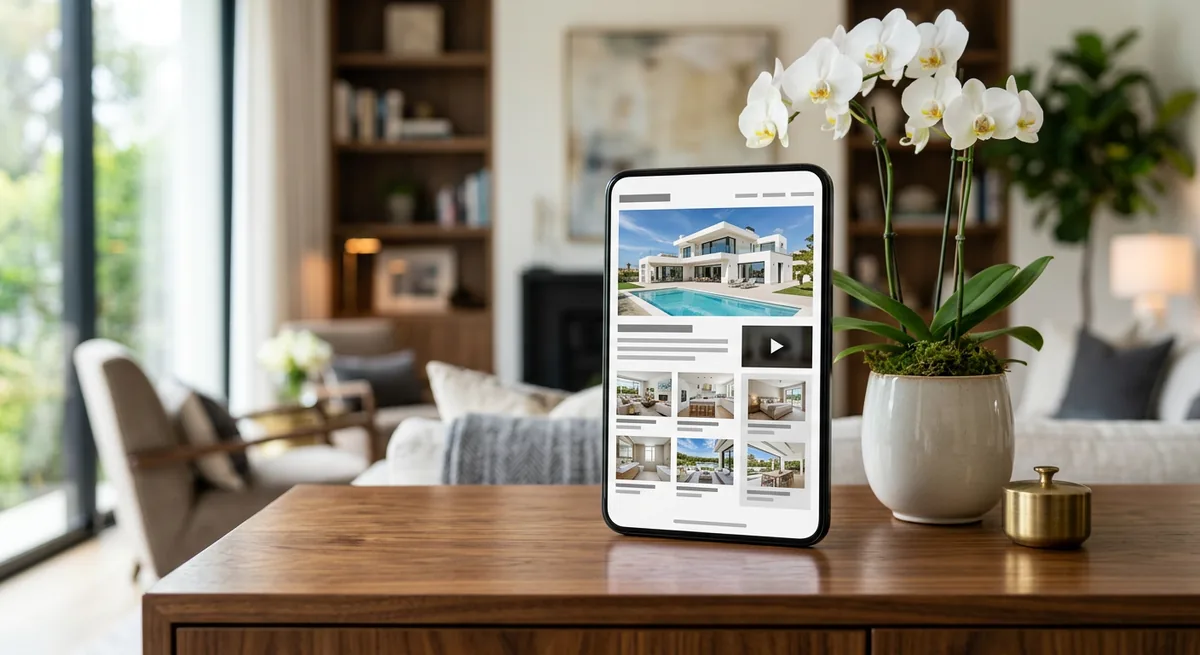
Your property gets its own page
Every verified claim gets a permanent address at
/property/<your-property>. It starts with public data filled in for you: parcel facts, the FEMA flood zone, Florida evacuation zone where it applies, nearby schools, beaches, airports and restaurants, and a satellite snapshot. Visitors see a ✓ Verified claim badge and your Digital Real Estate rank.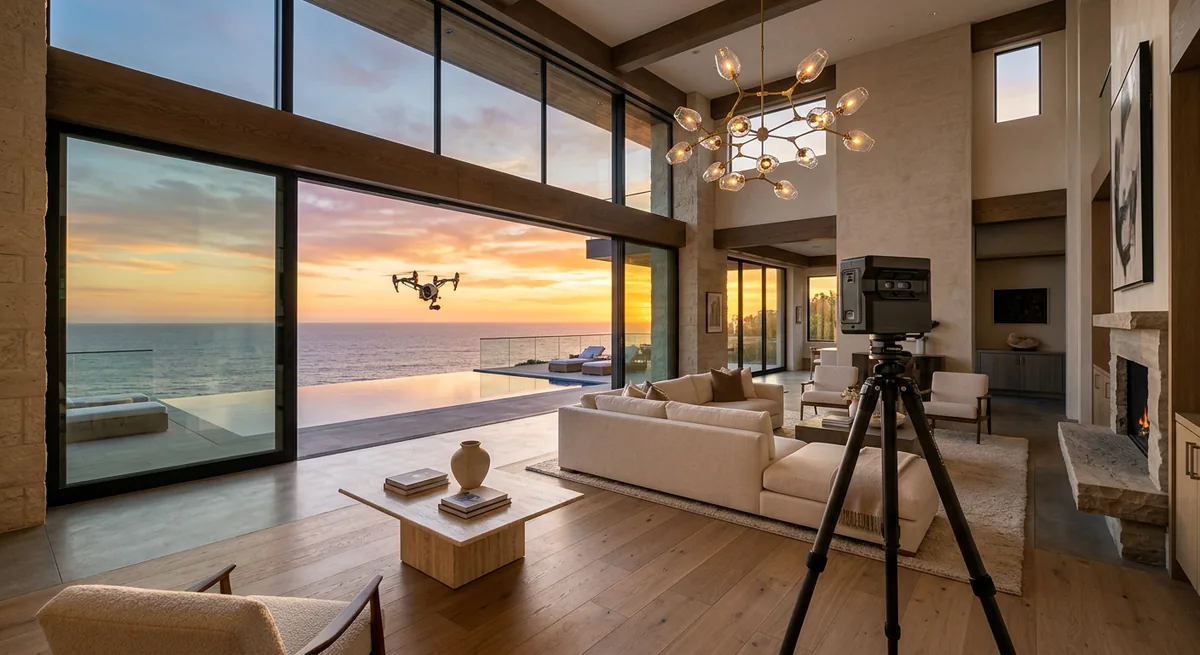
Dress it up
On your property page, the Edit your property panel (only you see it) lets you add:
- Photos (upload or paste a link) and a cover photo
- Floor plans
- YouTube videos
- Drone video (YouTube, Vimeo or any video link)
- 3D tours: Matterport plays right on the page
- Google Street View and Street View history links
- A description (up to 2,000 characters), beds, baths, square feet, pool and waterfront
- Amenity tags: each one lists your property on its tag page
- Booking links (Airbnb, Vrbo, Booking.com, your own site) and an availability calendar
- Important URLs and timeline moments (built, renovated and more)
Up to 100 media items and links per property.

Share it and build a following
Press Share on your property page to copy its link with your own referral code (
?ma_ref=) attached, so you get credit for the visitors you bring. Members can Save it to a collection, Follow it to be notified when you add media or update details, and sign your Guest book with a note and an optional star rating. You can hide guest book entries you don't want shown.Show it off on your profile and the leaderboard
Your verified claims appear as cards on the Claimed Parcels tab of your profile (
/<your-handle>/claimed-parcels), each linking to its property page. The Digital Real Estate leaderboard ranks members by the properties they hold and shows claims by city.
Sell your digital real estate
What you claim and build can be sold. From the Digital Real Estate seller hub you can list a single property, individual companies, members or products you brought in, a package of them, or your whole roster.
- A sale transfers the benefits. The referrals, the points and your share of the commissions on everything in the sale move to the buyer.
- One club fee. The club takes a one-time 20% fee on each sale. There is nothing to pay to list.
- Buyers can resell. Once a sale completes, the buyer owns it outright and can list it again any time.
- Safe checkout. A listing is held while a buyer checks out, so the same item can't be sold twice.
Payments aren't switched on yet: today members can list their Digital Real Estate and receive inquiries, and nothing is charged or paid out. Buying and selling opens when the Mansion Access marketplace turns on payments.
Questions
Is a claim legal ownership?
No. Digital Real Estate is a game claim on the Mansion Access map. It doesn't change who owns the property or any public record.
Will my name or the owner's name be shown?
Owner-of-record names from the tax roll are never shown anywhere. Your claim shows your Promoter ID. If you keep your Promoter ID hidden, it appears as an anonymous label with no link to your profile.
Can more than one member claim the same property?
No. Each parcel or address has one claim at a time. The first verified claim stands.
Someone else claimed my property. What can I do?
Open its parcel card on the map and press Flag this claim with a short reason. A moderator reviews it, and the claim is reversed only if they approve the flag. Every step is kept in the claim's audit trail.
How many properties can I claim?
As many as you like, one claim per property.
Can I give up a claim?
Yes. In My Digital Real Estate, press Release next to the claim. The property is free for someone else to claim, and its page comes down.
Why does the map ask me to type an address?
Some state parcel layers have no street address. You look it up on Google Maps and type it; we check that it is in the same state and within 300 meters of the parcel before saving it.
Ready to claim yours?
Search your address, press Claim This Parcel, and your property page is live.